Debugging
Four instruments, all on the project's Debugging tab, plus two pages that gather every project's signals in one place.
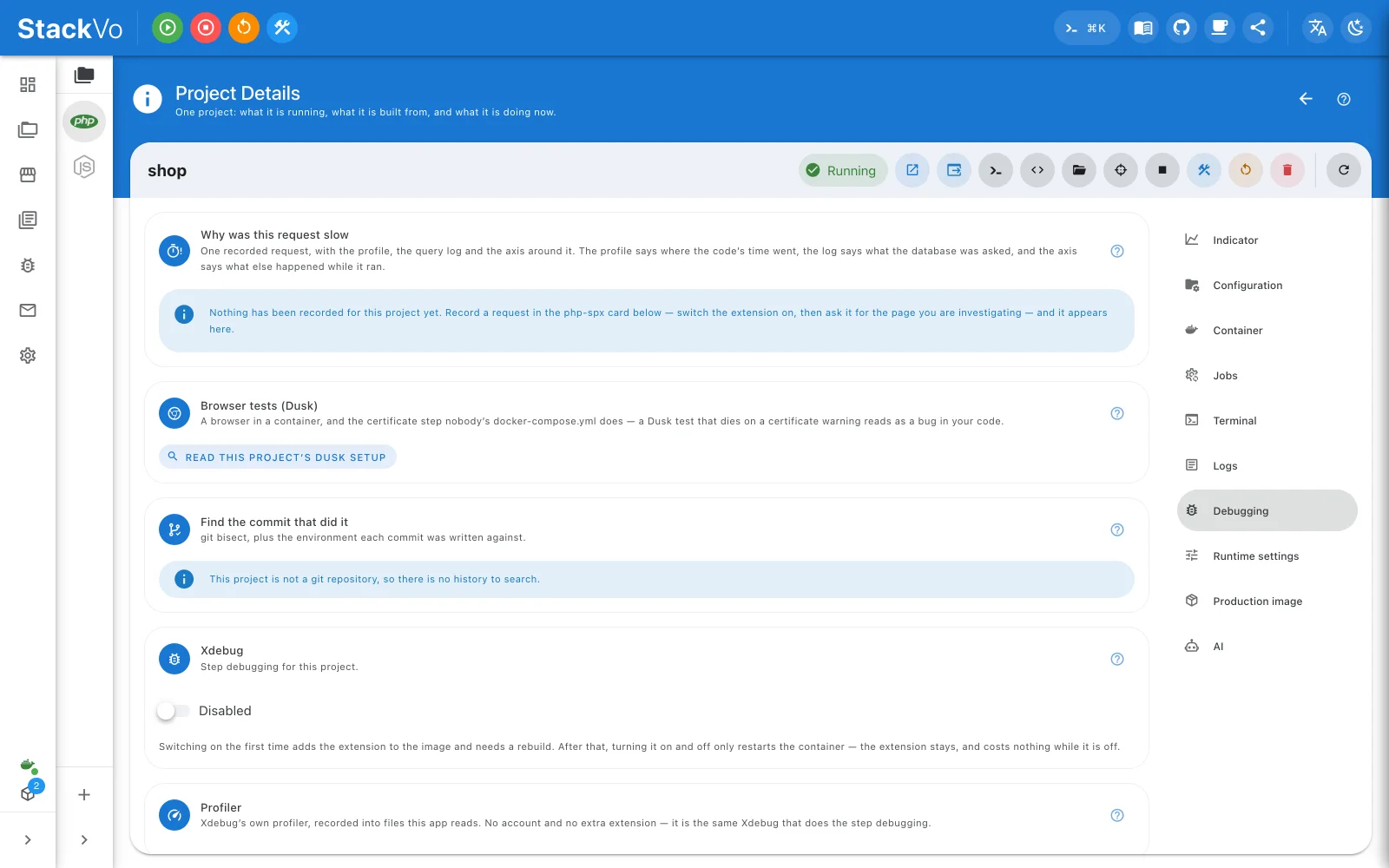
Xdebug
Project → Xdebug → Enabled. The first time puts the extension in the image and needs a rebuild; every time after that only restarts the container, and the extension costs nothing while it is off.
The card lists what your IDE needs — port, IDE key, server name — and the
path mapping: /var/www/html inside the container is your project folder
outside. It also says whether anything is listening, so "why isn't my
breakpoint hit" is answered on one screen.
Dumps, requests and jobs
Project → Debug signals → Catch dump() and dd(). Three things arrive instead of landing in the response:
- Dumps — the value, the file and the line. Click the line and it opens in your editor.
- Requests — one row per execution with status and duration, including
ones that died with a fatal, and
artisancommands. - Jobs — one row per attempt from the worker the app started, with whether it finished or threw.
Nothing accumulates while capture is off. Turn it on, then reload the page you are investigating. Capture stays on across pages, so a dump from a queue worker is caught while you are elsewhere — the Dumps page in the sidebar is where those gather across every project.
Logs
Project → Logs reads the container's output or any log file the project writes; pick the source at the top. Search, regular expressions, a level filter, follow and pause. A container path in a stack frame is clickable.
The Logs page in the sidebar is every project's output in one live stream — the page to leave open while you work somewhere else.
Why was this request slow?
Project → Sampling profiler (php-spx) → Record from here, load the page in your browser, stop. Then open Project → Why was this request slow and click a request: three sources line up on one axis:
- what the sampling profiler (php-spx) saw,
- what the database was actually asked — including the same query asked 40 times,
- your application's own
dump()calls.
The findings come first, in two colours: amber is something to change, blue is something the evidence could not cover. Then the bar: time inside the database driver versus everything else.
Replay re-issues the recorded request with the profiler on and puts both numbers side by side — "did my change help?" as one click.
Profiler and traces
Project → Profiler is Xdebug's own profiler: step debugging, profiling or
trace, one at a time. Nothing is recorded until a request asks for it — add
?XDEBUG_TRIGGER=1 to the address, and the recording opens as a flame graph.