Projects
A project is a folder with a runtime, running in its own container, answering on its own address. Everything about it is on the Projects page and the project's own page.
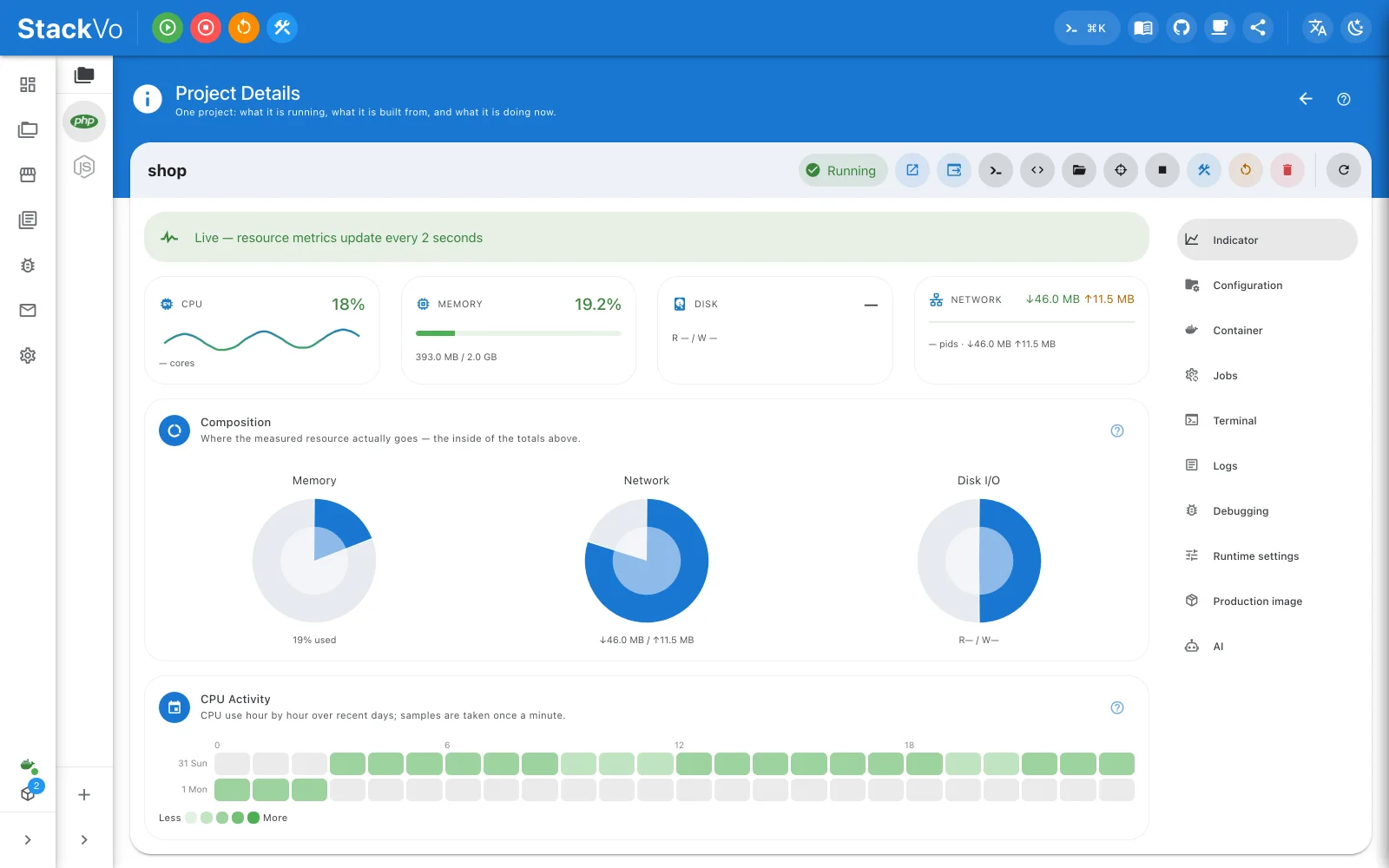
The row
| Action | What it does |
|---|---|
| Start / Stop | Brings the container up, or takes it down. Your files are untouched either way. |
| Restart | Stops and starts the same container. |
| Rebuild | Regenerates the Dockerfile, builds the image, recreates the container. |
| Terminal | A shell inside the container. |
| Open in browser | The project's address. |
| Delete | Removes the container and the entry. Your folder on disk stays. |
The three-dot menu shows only the action that applies right now: a project that has never been built says Build, not Start.
Restart or rebuild?
| You changed | Press |
|---|---|
| Code | Nothing. It is mounted from your folder; reload the page. |
| An environment variable, a setting | Restart |
| The PHP version, an extension, the web server | Rebuild — the image itself changed |
The app tells you which one it needs. After a change that needs a rebuild, the Configuration column on the row says the generated files are out of date until you press it.
Changing the PHP version
Project → Configuration → Configure, pick the version, save. The app says the image needs rebuilding and does it on one button.
The same change can come from the file. Edit stackvo.json in your
repository and the app notices:
Extensions work the same way: "extensions": ["redis", "intl", "gd"]. An
extension that cannot be built on the chosen PHP version is marked in the
panel before you save.
The manifest, stackvo.json
The one file that describes a project, and the only one you are meant to edit. Commit it and a teammate gets the same environment.
{
  "name": "shop",
  "framework": "laravel",
  "php": { "version": "8.4", "extensions": ["redis", "intl", "gd"] },
  "server": "nginx",
  "domain": "shop.loc",
  "services": ["mysql", "redis", "mailpit"]
}
Everything else — the Dockerfile, the compose fragment, the router — is rendered from it, every time. Never edit those; change the manifest. Project → Manifest shows the file as text and validates it on save: a file that breaks the contract is refused and the key is named.
Environment variables for the container
Project → Project settings holds variables given to the container. They
are kept in .stackvo/site.json so they travel with the repository. They are
not written into your application's .env — that file belongs to the
framework.
Your own commands
A command your project needs often — reindex, seed, whatever — lives in the manifest and appears as a button on Project → Commands:
"commands": {
  "reindex": { "exec": ["php", "artisan", "app:reindex"], "about": "Rebuild the search index" }
}
Commands run in the project's container and nowhere else. For the ones you
run in every project, Settings → Machine-wide commands takes the same shape
in one commands.json at the root of the workspace; a project that declares
the same id wins.
A monorepo as one project
Project → The rest of this repository adds the other directories as
components with their own runtimes — api/ in Go, web/ in Next.js,
worker/ in Python. One entry, one start, one certificate; each component
gets its own Dockerfile and router, and none of them can open a host port.