Mail
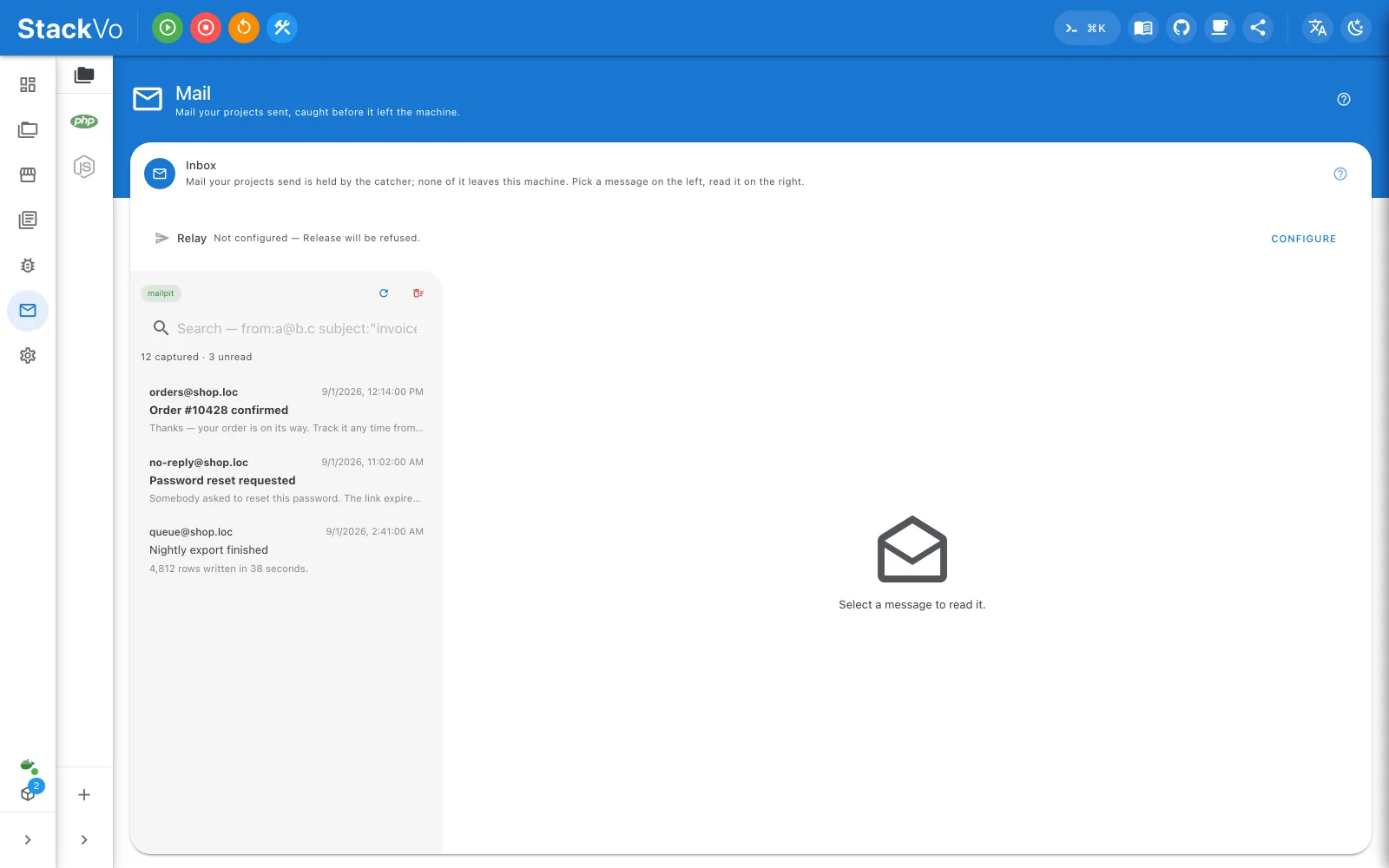
Everything your projects send is caught before it leaves the machine, and read inside the window. No browser tab, no real mailbox.
Turning it on
Mail → Enable Mailpit writes .env, regenerates the configuration and starts the
catcher. The first run downloads its image and can take a minute. Opening the
page changes nothing; only the button does.
While the catcher runs, nothing your application sends leaves the machine.
Reading
Pick a message on the left, read it on the right. Search understands
from:ali@example.com and subject:"invoice".
| Tab | Shows |
|---|---|
| Preview | The HTML body, in a sandboxed frame. |
| Text, Source, Headers | The plain body, the raw message, every header. |
| Attachments | The files, which you can save. |
| Compatibility | Whether the HTML and CSS used are supported by mail clients — green, orange, red. |
| Links | Every link in the message. Check links fetches each one. |
Sending one on
To forward a caught message to a real address you need a relay configured. Without one, releasing is refused rather than silently dropped.